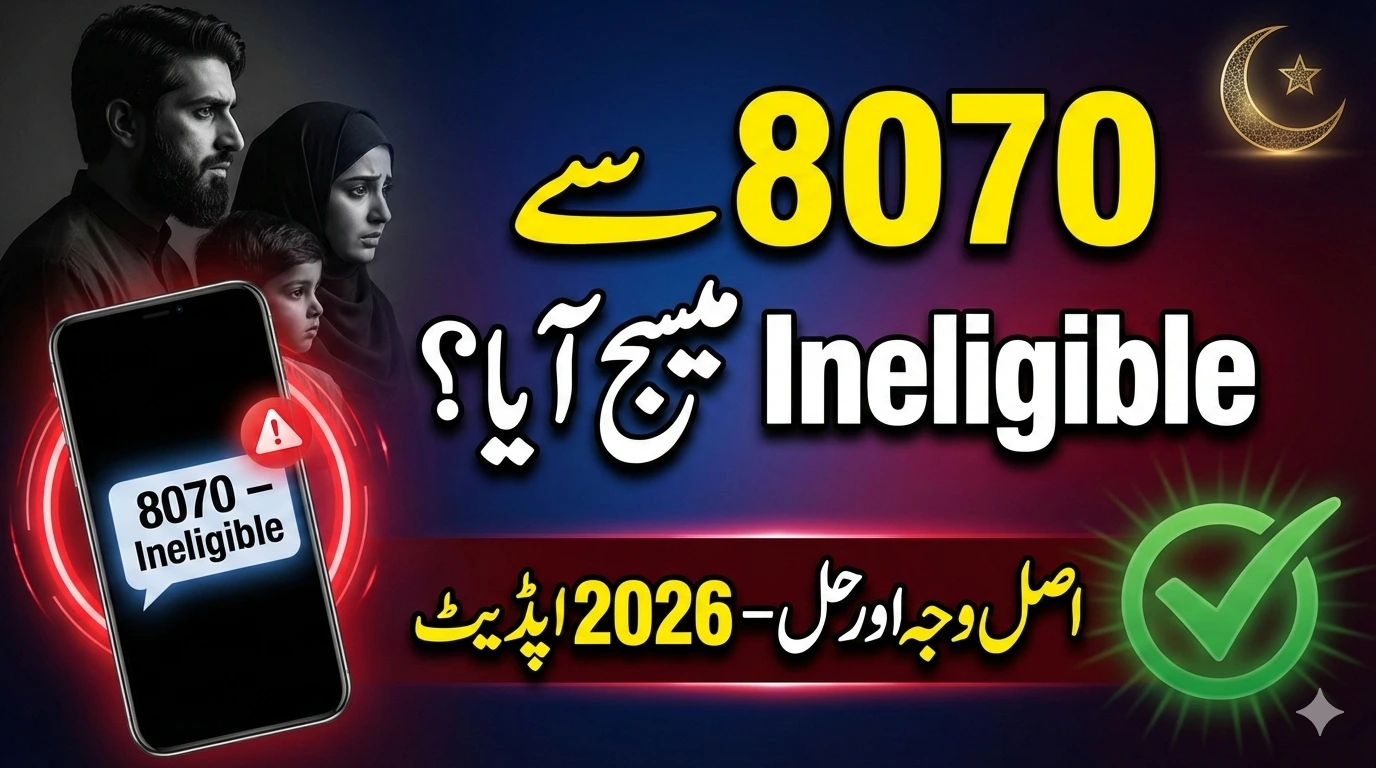
The 8070 PSER Survey Ineligibility Criteria 2026 is confusing many families across Punjab. If you recently received an “Ineligible” SMS from 8070, you are not alone.
Thousands of low-income households depend on the Ramzan Relief Program 2026. Even a small mistake in your survey data can stop your financial assistance. This complete guide explains:
- Why applications are rejected
- How the eligibility system works
- How to fix errors and complete re-verification before Ramadan
- Practical tips to improve approval chances
Let’s break everything down in simple and clear language.
What Is the 8070 PSER Survey?
The Punjab Socio-Economic Registry (PSER) is an official government database. It collects financial and household information of families living in Punjab.
The Punjab Government uses this data to decide who qualifies for:
- Ramzan Relief Program 2026
- Financial aid packages
- Subsidized ration support
When you send your 13-digit CNIC number to 8070, the system instantly checks your PSER record and replies with your eligibility status.
Why PSER Verification Is Important
The system checks several factors before approving assistance:
- Your monthly household income
- Number of family members
- Employment status
- CNIC details matched with NADRA
- Property and vehicle ownership
- Duplicate applications
If your PSER information is outdated or incomplete, the system may mark you as ineligible, even if you truly need support.
Ramzan Relief Program 2026 – Quick Overview
| Detail | Information |
|---|---|
| Program Name | Ramzan Relief Program 2026 |
| Survey Database | Punjab Socio-Economic Registry (PSER) |
| SMS Code | 8070 |
| Target Group | Low-income families in Punjab |
| Common Issue | “Ineligible” SMS |
| Re-Verification | Available through updated survey |
| Official Portal | https://pser.punjab.gov.pk |
Always use the official PSER website for updates and corrections.
8070 PSER Survey Ineligibility Criteria 2026 Explained
Many families ask: “Why was I declared ineligible?”
Here are the most common reasons based on official eligibility checks.
1. Income Above Poverty Threshold
If your registered monthly income is above the defined poverty limit, your application will be rejected.
Sometimes this happens because:
- You entered estimated income instead of exact income
- Your financial condition changed but PSER was not updated
Even a small incorrect entry can affect eligibility.
2. Government Employee in the Family
Families with a government employee are generally excluded from the Ramzan Relief Program.
The system automatically checks employment databases and payroll records. If any family member is on government salary, the application may be rejected.
3. CNIC Mismatch or Expired ID Card
Your CNIC must be valid and correctly entered.
Common problems include:
- Wrong CNIC digits
- Expired CNIC
- Name mismatch with NADRA
- Using someone else’s SIM
Always send your CNIC from a SIM registered in your own name.
4. Property, Business, or Vehicle Ownership
The system checks financial stability indicators such as:
- Large property ownership
- Registered business
- Vehicle registration
- High utility consumption
If records show strong financial standing, you may be marked ineligible.
5. Incomplete PSER Survey
If your survey has missing information, the system may automatically reject it.
The digital system does not assume missing details. Every field must be properly filled.
How to Check Eligibility Through 8070
You can check your status in less than one minute.
Step-by-Step Process
- Open your mobile SMS app
- Type your 13-digit CNIC (without dashes)
- Send it to 8070
- Wait for a reply message
Important:
- Use your own registered SIM
- Double-check your CNIC before sending
If you receive an “ineligible” message, don’t panic. You can update your information.
How to Re-Verify After Receiving an Ineligible Message
If your financial condition has changed or your data was incorrect, you can complete re-verification.
Follow These Steps
- Visit the official PSER website: https://pser.punjab.gov.pk
- Log in using your CNIC and registered mobile number
- Review all household details carefully
- Correct income, employment, or family size information
- Submit the updated survey
- Wait for confirmation SMS from 8070
Re-verification is especially important if:
- Someone in your family lost a job
- Household income decreased
- Family size changed
Update your survey before Ramadan to avoid delays.
How the Government Verification System Works
Some people believe the system randomly rejects applications. That is not true.
The 8070 system performs three main checks:
1. Data Matching
Your CNIC is matched with:
- NADRA records
- Family registration data
- Government employment systems
2. Financial Assessment
The system evaluates:
- Reported income
- Property ownership
- Vehicle registration
- Utility consumption patterns
3. Duplicate Detection
The system blocks:
- Multiple applications from the same household
- Duplicate CNIC entries
- Applications from different numbers for the same person
This digital screening ensures fairness and transparency.
Common Mistakes That Lead to Disqualification
Many families lose eligibility due to small but avoidable errors.
Frequent Mistakes
- Leaving survey fields empty
- Entering estimated income
- Sending CNIC from unregistered SIM
- Applying multiple times from different numbers
- Not updating job status
- Relying on unofficial agents
Always review your information carefully before submission.
Think of the PSER survey like an official exam form. If you enter the wrong details, your result may not appear correctly.
Latest Updates for Ramzan Relief Program 2026
For 2026, the Punjab Government has strengthened digital verification.
Data is now cross-checked with:
- NADRA database
- Employment records
- Property records
- Vehicle registration system
- Utility consumption data
The goal is simple: ensure that assistance reaches truly deserving families.
Authorities strongly recommend completing or updating your PSER survey before Ramadan begins.
Tips to Improve Your Approval Chances
Follow these practical tips:
- Keep your CNIC valid and updated
- Use only your registered SIM
- Enter exact monthly income
- Update PSER after any financial change
- Avoid social media rumors
- Never pay agents for “guaranteed approval”
Always use official government platforms.
Frequently Asked Questions (FAQs)
Why did I receive an ineligible message from 8070?
Most cases happen due to outdated income data, CNIC mismatch, government employment in the family, or incomplete PSER details.
Can I apply again after rejection?
Yes. You can update your PSER record online and complete re-verification.
Is the 8070 SMS service free?
Yes. Sending your CNIC to 8070 is part of the official verification system.
How long does re-verification take?
Processing time varies, but confirmation SMS is usually sent after review.
Do government employees qualify?
Generally, families with government employees are not eligible for the Ramzan Relief Program.
Final Thoughts
The 8070 PSER Survey Ineligibility Criteria 2026 is not random. Most rejections happen because of:
- Incorrect income entries
- Outdated survey records
- CNIC mismatches
- Government employment status
If you received an ineligible message, review your PSER data immediately. Update your household information and complete re-verification before Ramadan.
Accurate information is the key to approval.